

1
Choose your destination
Search the live Merofly catalogue for a local, regional or global plan.

How Merofly works
A clear journey from destination search to a properly installed and managed Merofly eSIM.
Find my eSIMSearch the live Merofly catalogue for a local, regional or global plan.
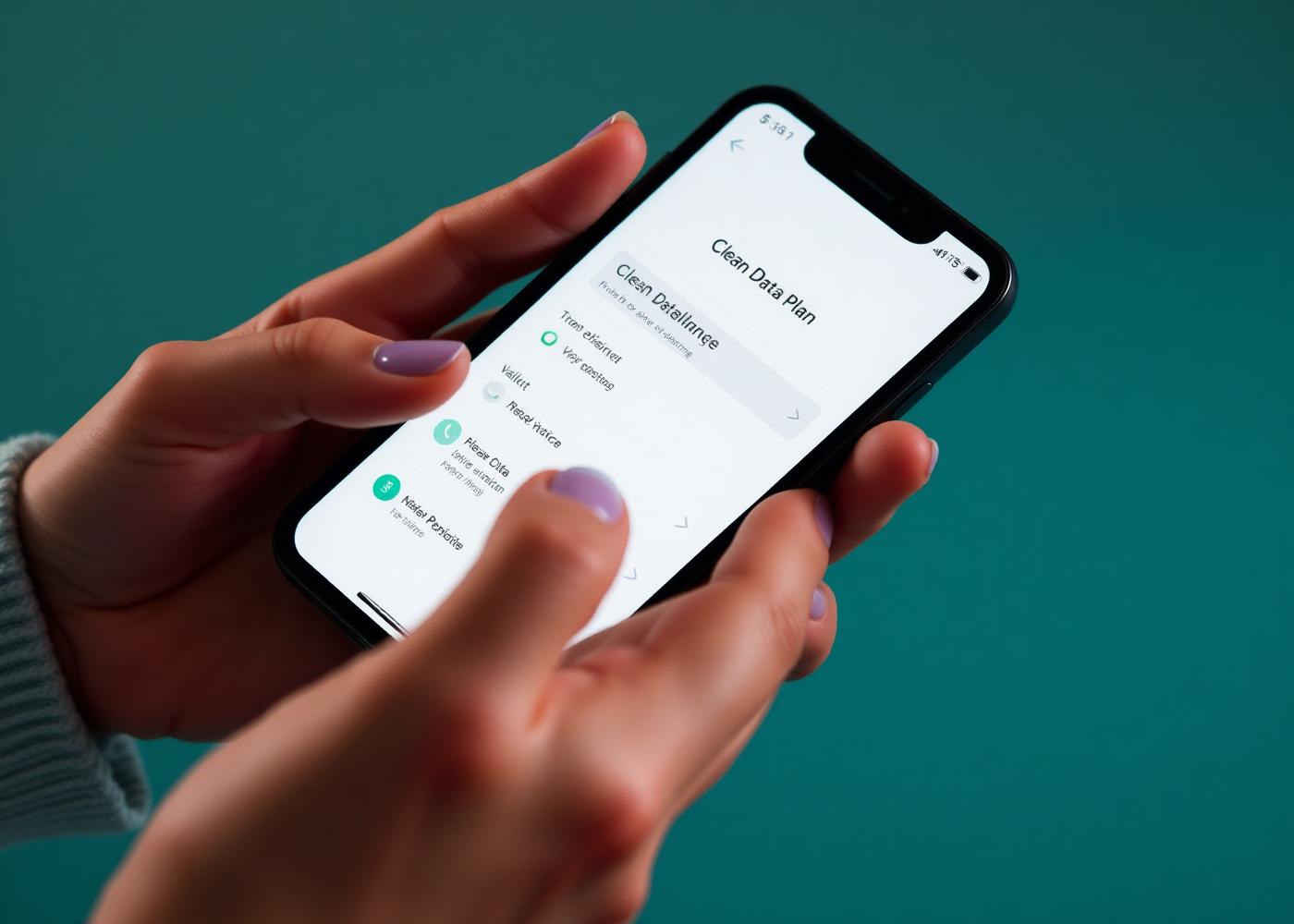
Check device compatibility, data allowance, validity, activation guidance and the complete price.

Confirm the selected plan and complete payment through the available authorised payment method.

Use supported direct installation, QR or manual details while you have a stable internet connection.

Enable the required device settings and connect when the plan’s activation conditions are met.
Installation guidance
Open Settings and choose the option to add an eSIM.
Use the supported direct-install route or scan the Merofly QR code.
Label the line clearly and keep the installation details private.
At the destination, select the Merofly line for mobile data and enable roaming when instructed.
Menu names vary by manufacturer and operating-system version. Follow the order-specific Merofly instructions.
Signed-in users can see Ready, Active or In Use, and Expired plans. Manage and Details open the selected plan.
Eligible plans retain their selected context through the Top-Up choice and secure payment journey.
The mobile app can provide low-data and expiry alerts for active plans when provider-confirmed information is available.

Travel Assist
Use arrival reminders, verified official consular-source links, urgent local-help guidance and airline manage-booking links.
Merofly Partners
Approved partners may earn rewards on eligible attributed sales. Registration or recruitment alone creates no reward.
How Merofly Partners works